
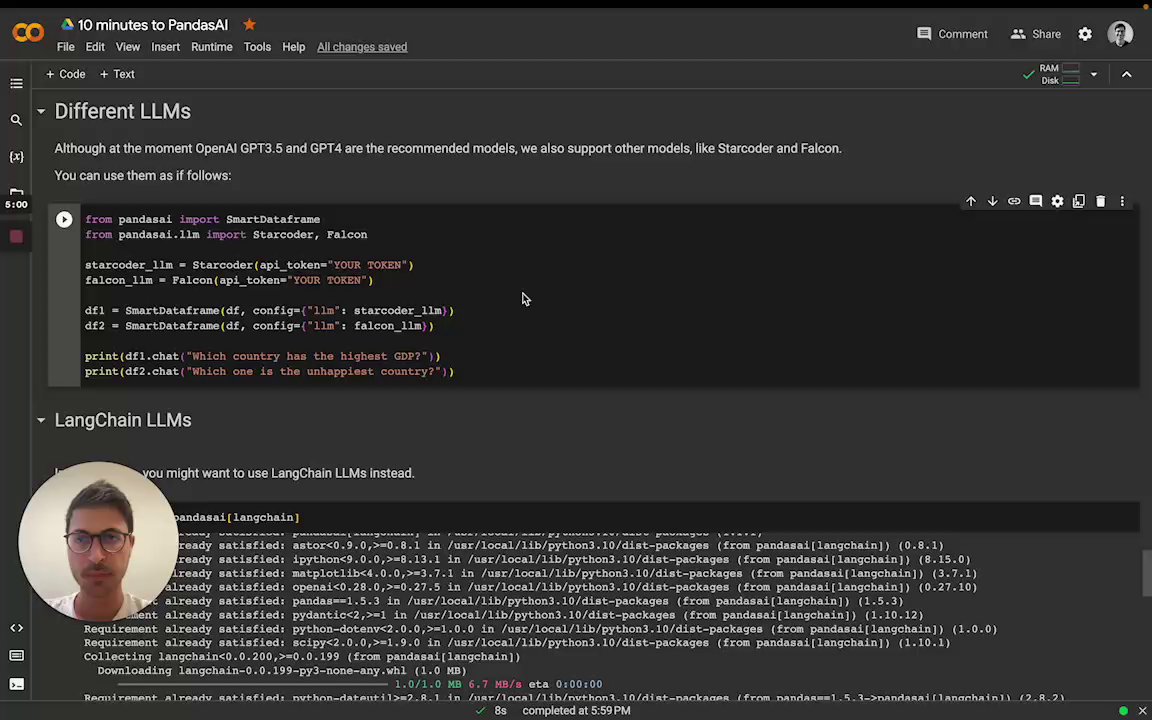
 You can instantiate the LLM by passing it as a config to the SmartDataFrame or SmartDatalake constructor.
OpenAI models
In order to use OpenAI models, you need to have an OpenAI API key. You can get one here. Once you have an API key, you can use it to instantiate an OpenAI object:OPENAI_API_KEY environment variable and instantiate the OpenAI object without
passing the API key:
openai_proxy when instantiating the OpenAI object or set
the OPENAI_PROXY environment variable to pass through.
Count tokens
You can count the number of tokens used by a prompt as follows:Google PaLM
In order to use Google PaLM models, you need to have a Google Cloud API key. You can get one here. Once you have an API key, you can use it to instantiate a Google PaLM object:Google Vertexai
In order to use Google PaLM models through Vertexai api, you need to have- Google Cloud Project
- Region of Project Set up
- Install optional dependency
google-cloud-aiplatform - Authentication of
gcloud
Azure OpenAI
In order to use Azure OpenAI models, you need to have an Azure OpenAI API key as well as an Azure OpenAI endpoint. You can get one here. To instantiate an Azure OpenAI object you also need to specify the name of your deployed model on Azure and the API version:AZURE_OPENAI_API_KEY, OPENAI_API_VERSION, and AZURE_OPENAI_ENDPOINT environment
variables and instantiate the Azure OpenAI object without passing them:
openai_proxy when instantiating the AzureOpenAI object or set
the OPENAI_PROXY environment variable to pass through.
HuggingFace via Text Generation
In order to use HuggingFace models via text-generation, you need to first serve a supported large language model (LLM). Read text-generation docs for more on how to setup an inference server. This can be used, for example, to use models like LLaMa2, CodeLLaMa, etc. You can find more information about text-generation here. Theinference_server_url is the only required parameter to instantiate an HuggingFaceTextGen model:
LangChain models
PandasAI has also built-in support for LangChain models. In order to use LangChain models, you need to install thelangchain package:
langchain package, you can use it to instantiate a LangChain object:
Amazon Bedrock models
In order to use Amazon Bedrock models, you need to have an AWS AKSK and gain the model access. Currently, only Claude 3 Sonnet is supported. In order to use Bedrock models, you need to install thebedrock package.
More information
For more information about LangChain models, please refer to the LangChain documentation.IBM watsonx.ai models
In order to use IBM watsonx.ai models, you need to have- IBM Cloud api key
- Watson Studio project in IBM Cloud
- The service URL associated with the project’s region
Project -> Manage -> General -> Details). The service url depends on the region of the
provisioned service instance and can be
found here.
In order to use watsonx.ai models, you need to install the ibm-watsonx-ai package.
At this time, watsonx.ai does not support the PandasAI agent.